
/profile command lets you build a public profile that represents you across every server running Quarky. Set a custom look, share a bio, and show off the games you play — all in one place.
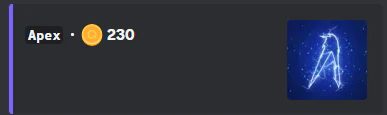
What you can customize
Custom embed color
Choose a hex color for your profile embed to give it a personal touch that stands out.
Bio
Write a short bio to introduce yourself. Tell other users who you are, what you’re about, or anything else you’d like to share.
How other users interact with your profile
Once you have a profile set up, other users can engage with it in two ways:- Like your profile — Anyone viewing your profile can press the heart button to show their appreciation.
- Profile views — Each time a user runs
/profile user [your username], your view count goes up by 1. It’s a simple way to see how many people have checked out your profile.
Setting up your profile
Run/profile in any server with Quarky to open the profile editor. From there, follow the prompts to fill in your embed color, bio, and top games.