
Setup
Use
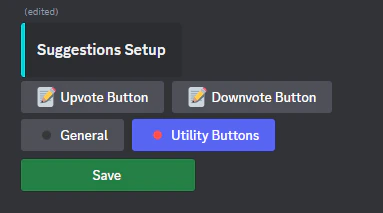
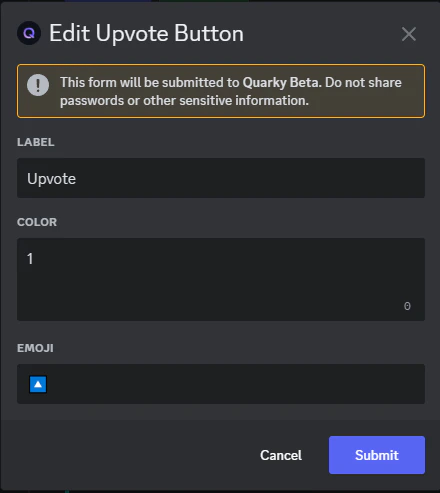
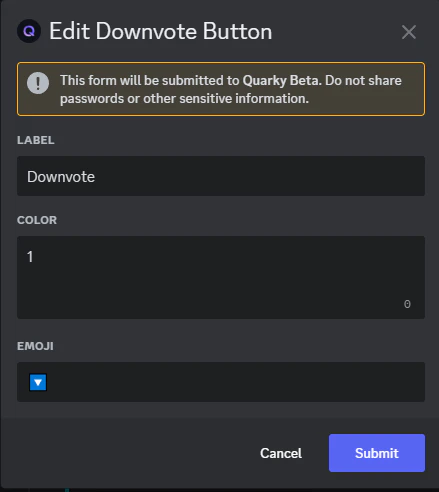
You can also customize the upvote and downvote buttons’ labels, emojis, and colors.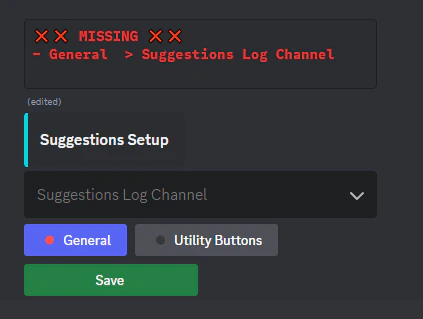
/admin-suggest setup to open the setup wizard. This command sets up the channel where all suggestion logs will be posted.You can also customize the upvote and downvote buttons’ labels, emojis, and colors.
Slash commands
Member commands
| Command | Description |
|---|---|
/suggest [suggestion] | Submit a suggestion that gets posted to the logs channel with voting buttons |
Admin suggestion commands
| Command | Description |
|---|---|
/admin-suggest approve [suggestion_id] | Mark a suggestion as approved and update its status in the logs channel |
/admin-suggest reject [suggestion_id] | Mark a suggestion as rejected and update its status |
/admin-suggest clear [suggestion_id] | Remove the current approval/rejection status without affecting votes |
/admin-suggest reset [suggestion_id] | Reset the suggestion by clearing status and removing all votes |